Google Business Profile Malaysia is one of the most important tools for businesses that want to attract local customers. Whether you run a café, clinic, service-based business, or retail shop, appearing in Google Maps and local search results can significantly increase visibility and enquiries.
When people search for services “near me” or within a specific location, Google prioritises businesses with optimised profiles. This makes Google Business Profile a critical part of any local SEO strategy.
If you want to understand the bigger picture, you can explore our guide on SEO in Malaysia, which explains how local optimisation fits into overall search strategy.
What Is Google Business Profile?
Google Business Profile (GBP) is a free tool provided by Google that allows businesses to manage how they appear in search results and Google Maps.
It displays important information such as:
- Business name
- Address
- Phone number
- Operating hours
- Customer reviews
- Photos
This information helps potential customers decide whether to contact or visit your business.
Why Google Business Profile Is Important in Malaysia
In Malaysia, mobile usage is high, and many users rely on Google Maps to find nearby services. Searches like:
- “restaurant near me”
- “clinic in Kuala Lumpur”
- “car workshop PJ”
are extremely common.
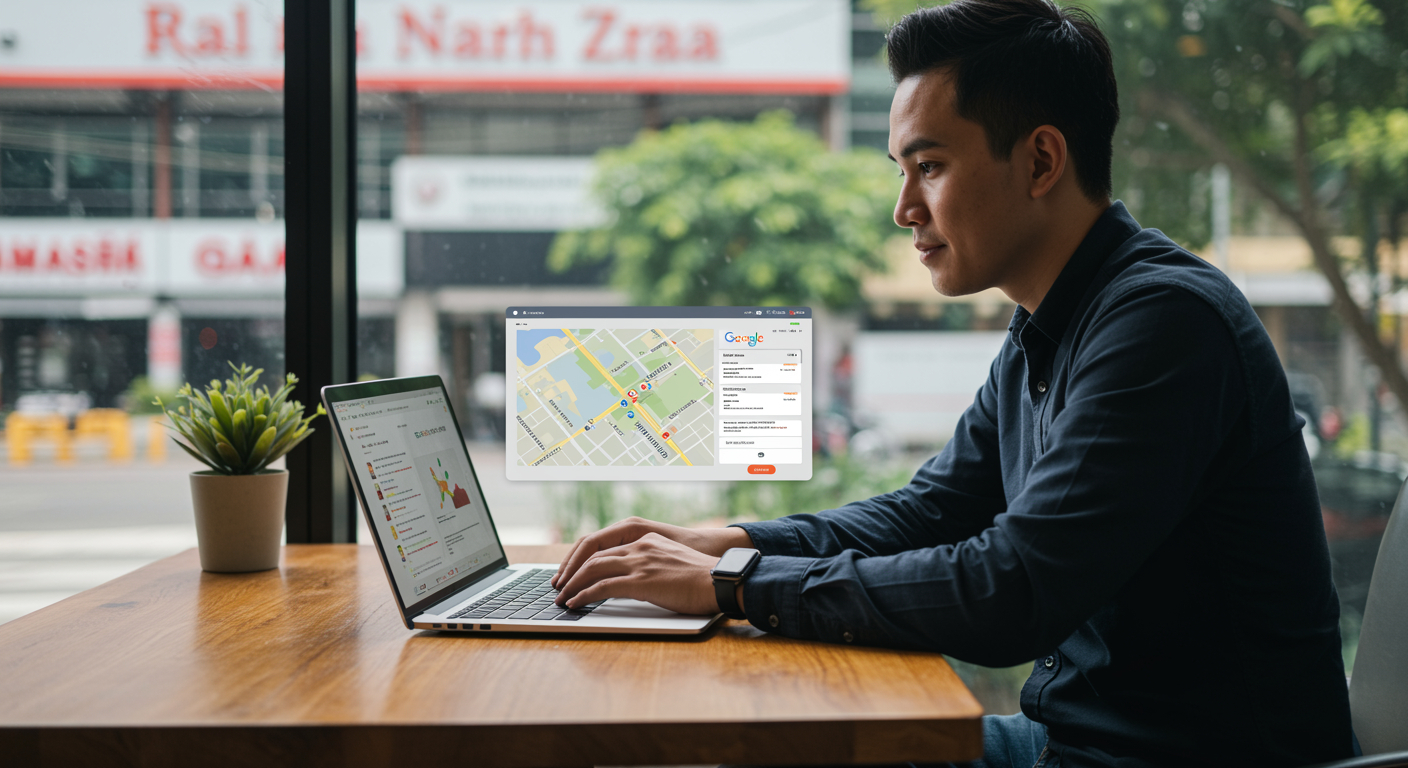
An optimised Google Business Profile helps your business appear in the local map pack, which is often shown above organic search results.
This makes GBP one of the fastest ways to gain visibility without paid ads.
How Google Business Profile Affects Local SEO
Google Business Profile plays a key role in local SEO in Malaysia. It directly influences how your business ranks in local search results.
Google considers three main factors:
Relevance
How well your business matches the search query.
Distance
How close your business is to the searcher.
Prominence
How well-known and trusted your business is online.
An optimised profile improves all three factors, increasing your chances of ranking higher.
How to Set Up Google Business Profile
Setting up your profile is straightforward, but accuracy is critical.
Step 1: Create or Claim Your Business
Go to Google Business Profile and search for your business. If it already exists, claim it. If not, create a new listing.
Step 2: Verify Your Business
Verification is usually done via:
- Postcard
- Phone
This confirms that your business is legitimate.
Step 3: Add Business Information
Ensure all details are accurate and consistent with your website.
Step 4: Choose the Right Category
Selecting the correct category helps Google understand your business and show it for relevant searches.
Optimising Your Google Business Profile
Creating a profile is only the first step. Optimisation is what drives results.
Complete Your Profile
Fill in all available fields, including services, description, and business attributes.
Add High-Quality Photos
Images help attract attention and improve engagement. Businesses with photos often receive more clicks.
Write a Clear Business Description
Include relevant keywords naturally, but avoid keyword stuffing.
Update Information Regularly
Keep your profile updated with new photos, offers, and posts.
Importance of Reviews
Customer reviews are one of the strongest ranking factors for local SEO.
Positive reviews:
- Build trust
- Improve visibility
- Influence decisions
Encourage satisfied customers to leave reviews and respond professionally to feedback.
Common Google Business Profile Mistakes
Many businesses fail to get results due to simple mistakes.
Incomplete Profile
Missing information reduces visibility and credibility.
Incorrect Business Details
Inconsistent name, address, or phone number can confuse search engines.
Ignoring Reviews
Not responding to reviews can harm your reputation.
Keyword Stuffing
Overloading descriptions with keywords can negatively affect performance.
Google Business Profile vs Website
Some businesses wonder whether they need a website if they already have a Google Business Profile.
The answer is yes.
A website provides:
- More detailed information
- Better credibility
- Additional ranking opportunities
Google Business Profile works best when combined with a strong website and SEO strategy.
How Long Does It Take to See Results?
Google Business Profile can produce faster results compared to traditional SEO.
In many cases:
- Initial visibility within weeks
- Stronger rankings within 1–3 months
However, results depend on competition and optimisation quality.
Final Thoughts
Google Business Profile Malaysia is a powerful tool for businesses looking to attract local customers. When properly optimised, it can significantly improve visibility, increase enquiries, and drive more foot traffic.
For Malaysian businesses, combining Google Business Profile with a strong SEO strategy provides the best results. By maintaining accurate information, encouraging reviews, and updating your profile regularly, you can stay ahead of competitors in local search results.
❓ FAQ
Is Google Business Profile free in Malaysia?
Yes, Google Business Profile is completely free to use.
How do I rank higher on Google Maps?
Optimise your profile, collect reviews, and ensure accurate business information.
How important are reviews for Google Business Profile?
Reviews are very important as they influence both rankings and customer decisions.
Can I use Google Business Profile without a website?
Yes, but having a website improves credibility and ranking potential.
How often should I update my profile?
Regular updates with photos, posts, and information help improve performance.